![aasm-email-sig.png]](https://support.aasm.org/hs-fs/hubfs/aasm-email-sig.png?height=39&name=aasm-email-sig.png)
How do I access a digital resource I purchased from the AASM store?
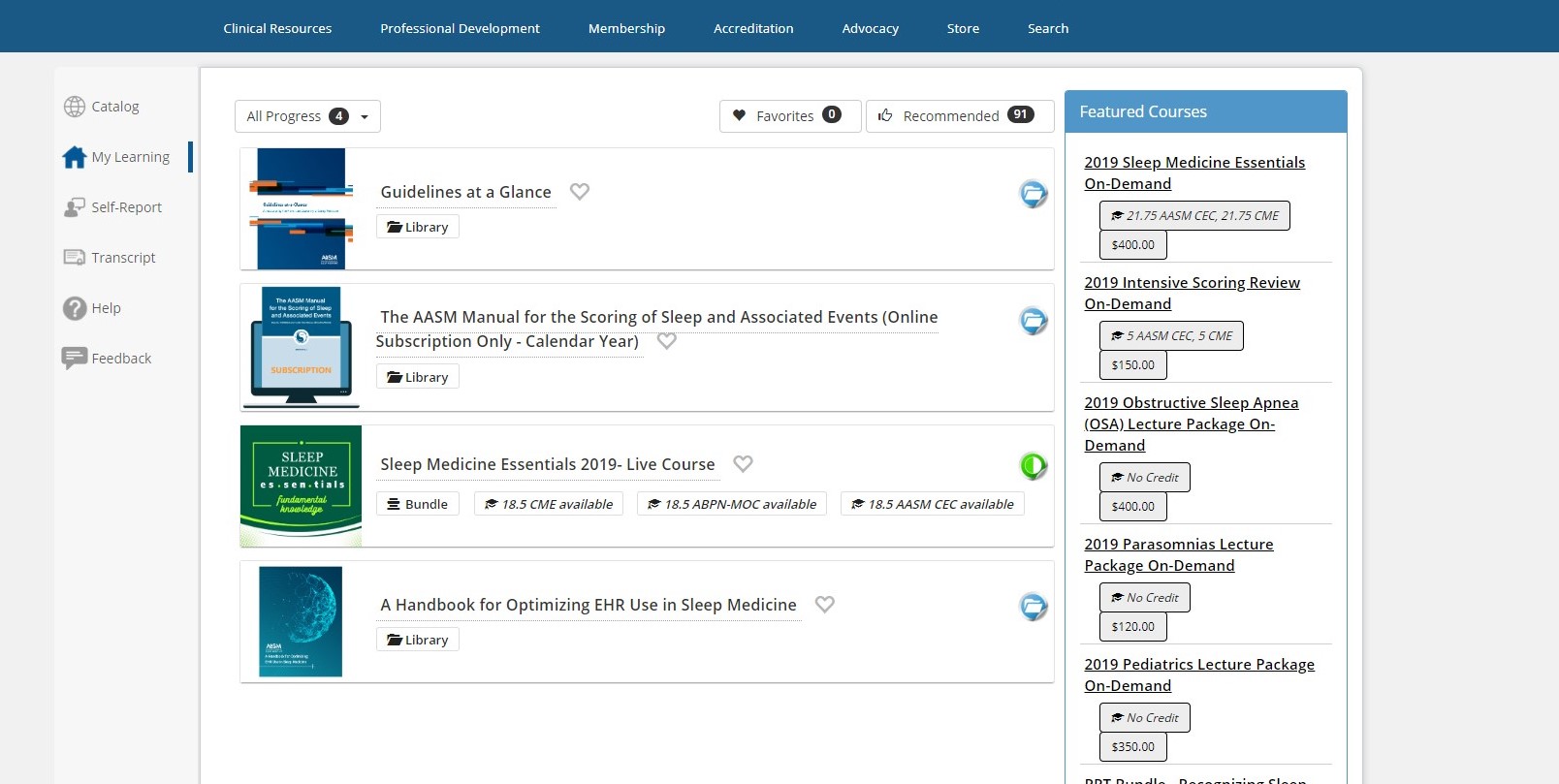
To access a digital resource purchased from the AASM store, log in to your AASM account and navigate to My Learning in the left side navigation to find and open your purchase.
- Log in to your AASM account.
- Select My Learning from the left side navigation.
- Locate your purchased resource in the My Learning list and select it to open it.