![aasm-email-sig.png]](https://support.aasm.org/hs-fs/hubfs/aasm-email-sig.png?height=39&name=aasm-email-sig.png)
How do I log in to my Sleep ISR account?
Sleep ISR (Incident Sleep Reporting) is the AASM's online registry for reporting sleep study data. Follow the steps below to access your account.
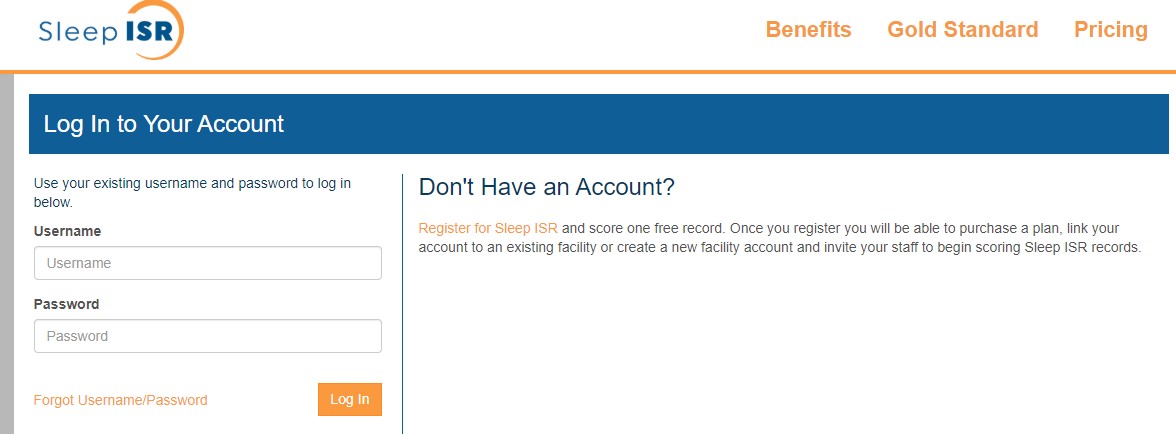
Visit https://isr.aasm.org/Login and enter your username and password to log in.
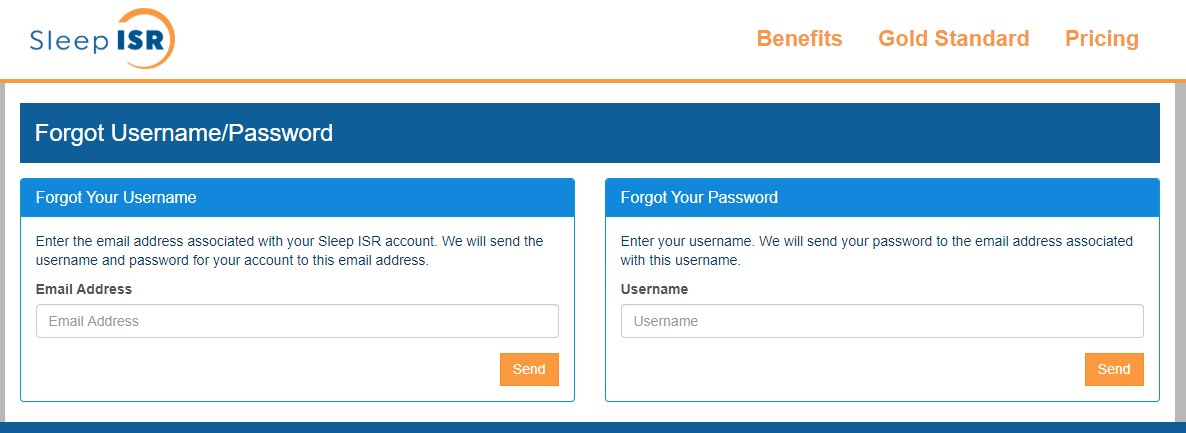
If you do not know your username or password, visit https://isr.aasm.org/ForgotLogin and follow the on-screen steps to reset your username or password. If you continue to have trouble accessing your account, please contact AASM support for further assistance.